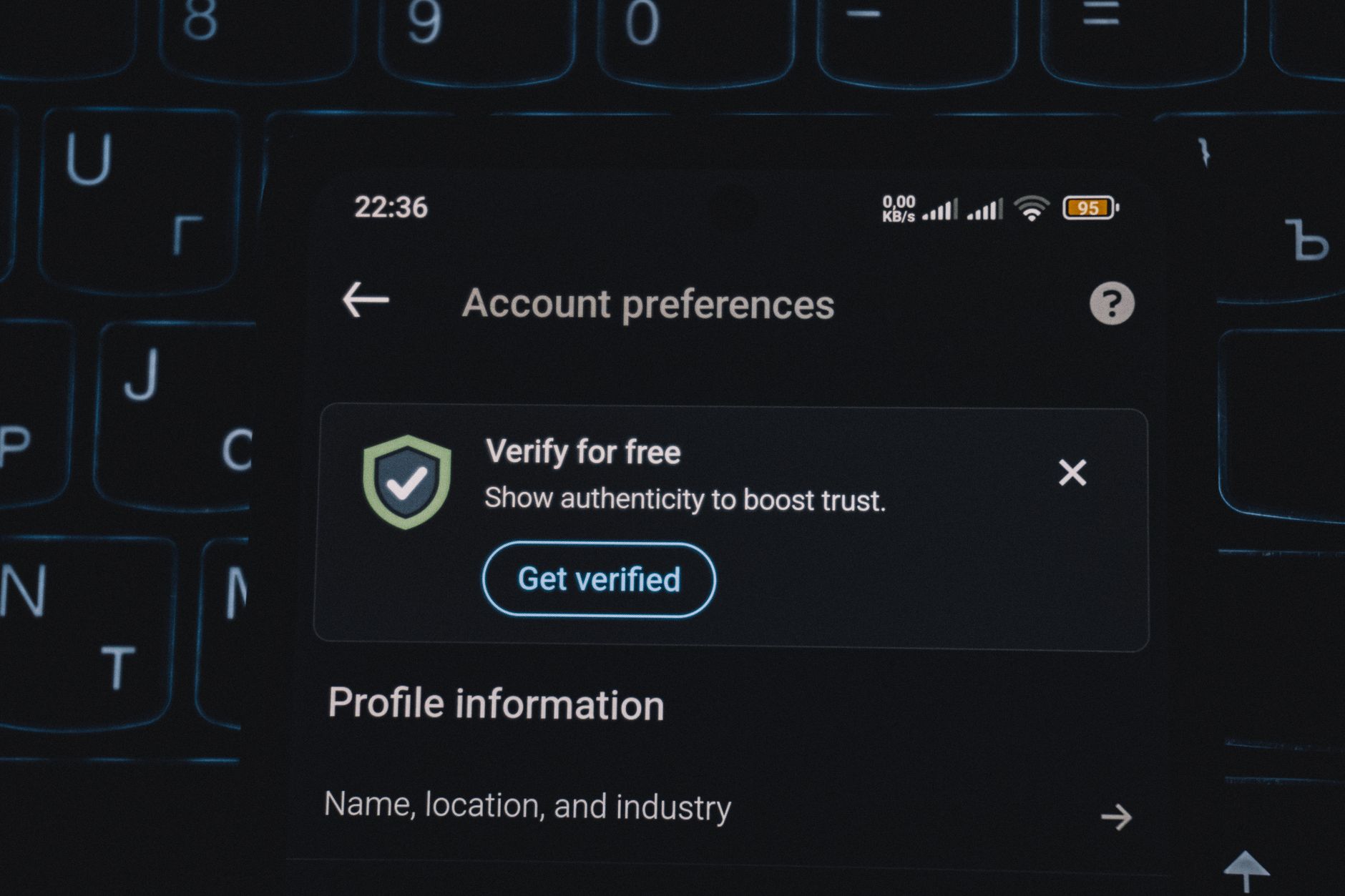
A Comprehensive Guide to Instagram Verification: Process, Benefits, and Security
Published 6/12/2026 · English-only editorial content
Introduction to Instagram Verification Instagram verification is a process where the platform confirms the authenticity of a user's account, typically for public figures, celebriti...
Introduction to Instagram Verification
Instagram verification is a process where the platform confirms the authenticity of a user's account, typically for public figures, celebrities, and brands. This verification process helps to establish trust and credibility among followers, distinguishing the account from potential impersonators or fake profiles. In this article, we will delve into the world of Instagram verification, exploring its benefits, the verification process, and the security measures associated with it.
Benefits of Instagram Verification
The blue checkmark next to a username is more than just a status symbol; it offers several benefits to account holders:
- Increased Credibility: Verified accounts are seen as authentic and trustworthy, which can lead to better engagement and a stronger connection with the audience.
- Improved Visibility: While Instagram's algorithm doesn't directly favor verified accounts, the credibility and trust associated with verification can lead to more followers and engagement, which in turn can increase visibility.
- Access to Special Features: Verified accounts may have access to exclusive Instagram features before they are rolled out to the general public.
- Protection from Impersonation: Verification helps prevent others from creating fake accounts in your name, protecting your brand or personal identity.
The Verification Process
To get verified on Instagram, follow these steps:
- Ensure Eligibility: Instagram typically verifies accounts that are public, authentic, complete, and notable. Notable means your account must represent a well-known or highly searched-for person, brand, or entity.
- Apply for Verification: Go to your profile, tap the three horizontal lines (menu), then tap Settings > Account > Request Verification. Fill in the required information, including your full name and a government-issued ID or official business document.
- Wait for Review: After submitting your request, wait for Instagram's review. This can take several days to several weeks. Instagram doesn't provide a specific timeline for the review process.
- Maintain Account Integrity: If your account is verified, ensure you continue to adhere to Instagram's terms of service and community guidelines to avoid losing your verified status.
Security Considerations for Verified Accounts
Verified accounts, due to their public nature and the trust they command, can become targets for cyber attacks. Here are some security tips:
- Use Strong Passwords: Ensure your account password is unique and strong. Consider using a password manager to generate and store complex passwords.
- Enable Two-Factor Authentication (2FA): 2FA adds an extra layer of security to your account by requiring a second form of verification, such as a code sent to your phone or email, in addition to your password.
- Monitor Account Activity: Regularly check your account for any suspicious activity, such as unfamiliar logins or changes to your profile.
- Keep Your Account Private When Necessary: While verified accounts are public, you can control who can see your content and engage with you by using features like 'Restrict' or 'Block'.
Common Mistakes to Avoid During the Verification Process
- Providing Incomplete Information: Ensure all fields are filled out correctly when applying for verification.
- Lack of Notability: If your account doesn't represent a well-known entity, it's unlikely to be verified.
- Violating Instagram's Terms: Accounts that don't comply with Instagram's terms of service and community guidelines won't be considered for verification.
Tips for Maintaining a Secure and Verified Account
- Regularly Update Your Profile: Keep your profile complete and up-to-date to reflect any changes in your brand or identity.
- Engage with Your Audience: Regular engagement helps build trust and can lead to more visibility on the platform.
- Stay Informed About Instagram's Policies: Familiarize yourself with Instagram's terms of service and community guidelines to avoid unintentionally violating them.
Conclusion
Instagram verification is a prestigious badge that signifies authenticity and trustworthiness. By understanding the benefits, following the verification process carefully, and maintaining high security standards, individuals and brands can leverage verification to build stronger connections with their audience. Remember, verification is not just about the blue checkmark; it's about the responsibility that comes with being a trusted voice on the platform.
Related articles
Recovering Your Instagram Account from Suspension: A Step-by-Step Guide
Introduction to Instagram Suspension Instagram, being one of the most widely used social media platforms, has strict policies to ensure a safe and enjoyable experience for all its...
ReadA Comprehensive Guide to Instagram Account Recovery Management
Introduction to Instagram Account Recovery Management Instagram, with its vast user base, is a prime target for cyber attacks and account compromises. Managing the recovery of an I...
ReadRecovering Your Instagram Account in 2026: A Comprehensive Guide
Introduction to Instagram Account Recovery Instagram, with its vast user base and extensive features, has become an indispensable platform for both personal and professional use. H...
Read