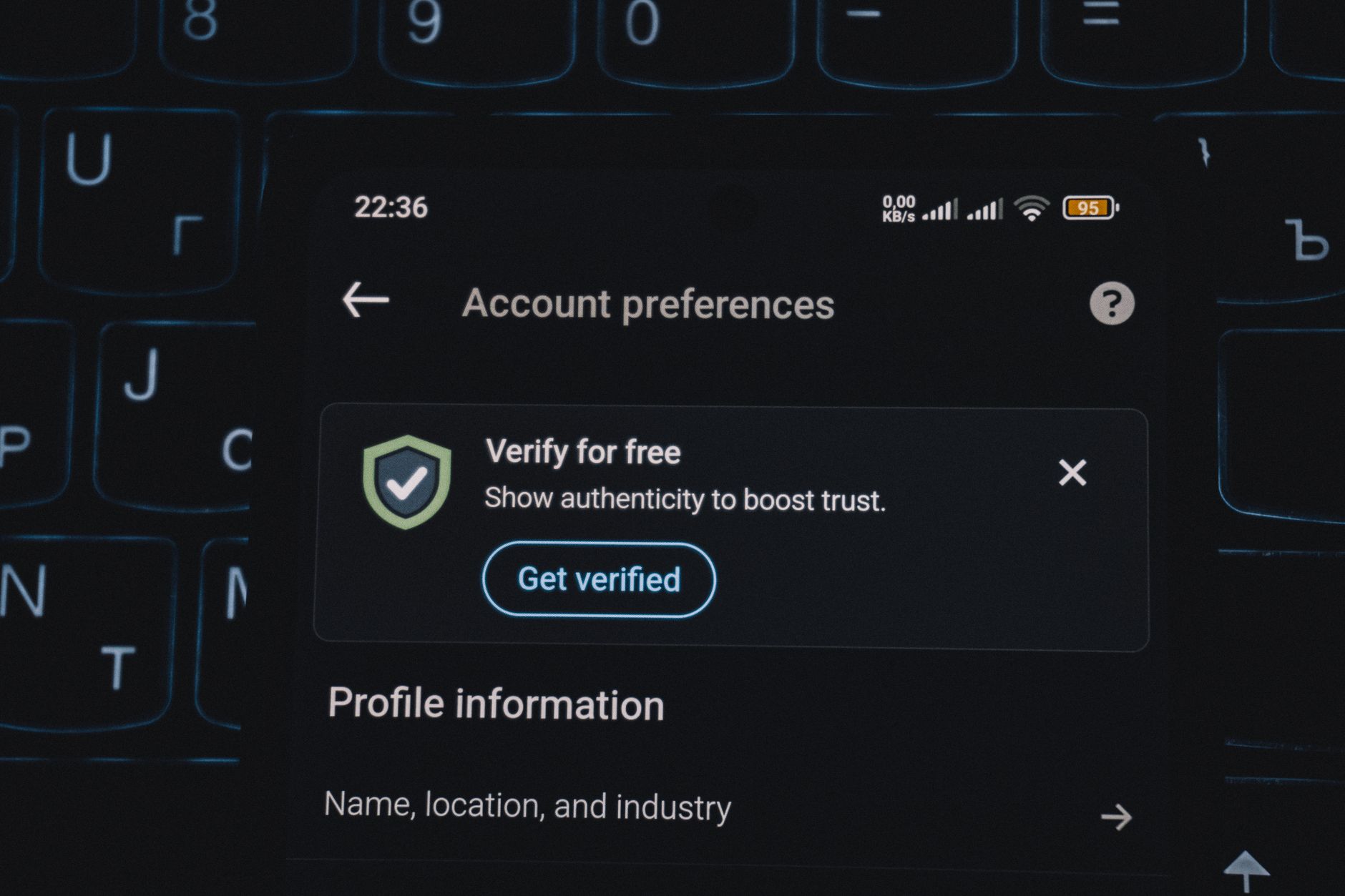
How to Get Verified on Instagram: A Professional Guide
Published 6/11/2026 · English-only editorial content
Introduction to Instagram Verification Instagram verification is a process where the platform confirms the authenticity of a user's account, typically denoted by a blue checkmark n...
Introduction to Instagram Verification
Instagram verification is a process where the platform confirms the authenticity of a user's account, typically denoted by a blue checkmark next to their username. This badge is highly sought after, as it signifies that the account is genuine and trustworthy. For professionals, especially those in the public eye or representing brands, getting verified on Instagram is not just a matter of prestige but also a crucial aspect of their online presence and security.
Why Verification Matters for Professionals
Verification on Instagram offers several benefits to professionals, including:
- Enhanced Credibility: A verified badge lends credibility to a professional's online presence, distinguishing them from impersonators or fake accounts.
- Increased Visibility: Verified accounts often appear higher in search results, making it easier for professionals to be found by their audience.
- Better Security: The verification process involves confirming the identity of the account holder, which can help protect professionals from identity theft and phishing attempts.
- Access to Special Features: Instagram occasionally offers exclusive features to verified accounts, which can include advanced analytics, special badges, or early access to new features.
Eligibility Criteria for Verification
While Instagram doesn't publicly disclose all the criteria for verification, there are certain guidelines that increase the likelihood of an account being verified:
- Authenticity: The account must represent a real person, registered business, or entity.
- Uniqueness: The account must be the unique presence of the person or business it represents. Only one account per person or business may be verified, with exceptions for language-specific accounts.
- Completeness: The account must be complete, with a profile picture, bio, and at least one post.
- Notability: The account holder must be notable and well-known within their industry or community. This can be evidenced by press coverage, public appearances, or a strong online presence.
- Compliance with Terms of Service: The account must comply with Instagram's terms of service and community guidelines.
How to Apply for Verification
Applying for verification on Instagram involves a straightforward process:
- Open Instagram: On your mobile device, open the Instagram app and go to your profile.
- Settings: Tap the three horizontal lines (menu) on the top right corner, then tap
Settings. - Account: Scroll down and tap
Account. - Request Verification: Tap
Request Verification. - Fill Out the Form: Fill out the form with your full name and the category you belong to (e.g., Sports, Music, Politics, etc.). You will also need to provide a government-issued ID (such as a passport or driver's license) to confirm your identity.
- Submit: Once you've filled out the form, submit your request.
Tips for a Successful Verification Application
- Ensure Your Account is Complete and Active: Make sure your profile is complete with a profile picture, bio, and regular posts.
- Build Your Reputation: Establish yourself as a notable figure in your industry or community. This can be through other social media platforms, public appearances, or press coverage.
- Comply with Instagram's Guidelines: Ensure your account complies with Instagram's terms of service and community guidelines.
- Be Patient: The verification process can take several days to several weeks. Be patient and avoid submitting multiple requests, as this can lead to a delay or denial of your application.
Maintaining Verification and Account Security
Once verified, it's essential to maintain the integrity and security of your account:
- Regularly Update Your Password: Use strong, unique passwords and consider enabling two-factor authentication.
- Monitor Your Account Activity: Keep an eye on your account's activity, including login locations and post engagements.
- Report Suspicious Activity: If you notice any suspicious activity, report it to Instagram immediately.
Conclusion
Getting verified on Instagram as a professional is a significant step in establishing a secure and credible online presence. By understanding the eligibility criteria, following the application process, and maintaining a secure and compliant account, professionals can successfully navigate the verification process and enjoy the benefits that come with it. Remember, verification is not just about prestige; it's about protecting your brand and reputation in the digital age.
Related articles
Understanding and Resolving X Suspend Help Issues on Social Media Platforms
Introduction to X Suspend Help X suspend help refers to the assistance provided to users whose accounts have been suspended or terminated by social media platforms. This can occur...
ReadUnderstanding and Appealing X Account Suspensions: A Comprehensive Guide
Introduction to X Account Suspensions X, a leading social media platform, has implemented a robust system to ensure user safety and adherence to its community guidelines. One of th...
ReadUnderstanding X Suspend Professional: Navigating Temporary Account Suspensions on Social Media
Introduction to X Suspend Professional In the vast and complex world of social media, maintaining a professional online presence is crucial for individuals and businesses alike. Ho...
Read