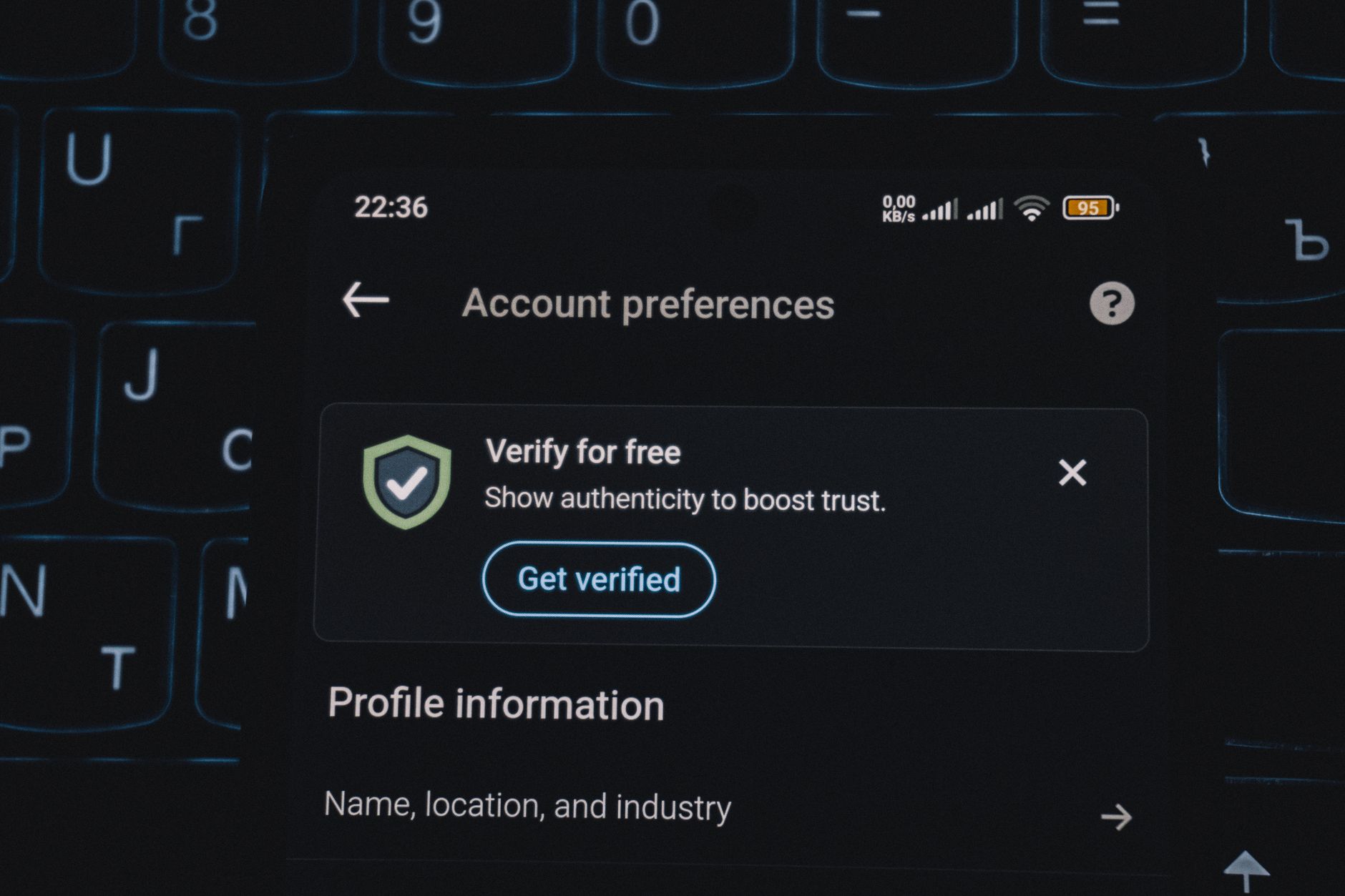
How to Verify Your Professional Profile on Facebook: A Step-by-Step Guide
Published 6/11/2026 · English-only editorial content
Introduction to Facebook Verification for Professionals Facebook verification is a process designed to help users establish the authenticity of their profiles, especially for publi...
Introduction to Facebook Verification for Professionals
Facebook verification is a process designed to help users establish the authenticity of their profiles, especially for public figures, celebrities, and professionals. In today's digital age, having a verified professional profile on Facebook can significantly enhance your credibility and visibility. This guide will walk you through the process of verifying your professional profile on Facebook, highlighting the benefits, requirements, and steps involved.
Benefits of Facebook Verification for Professionals
Verifying your professional Facebook profile comes with several benefits, including:
- Increased Credibility: A verified badge next to your name helps establish trust with your audience, distinguishing you from potential impostors.
- Improved Visibility: Verified profiles are more likely to appear in search results, making it easier for people to find you.
- Enhanced Security: Verification is a layer of security that helps protect your identity and brand from being misused.
Requirements for Facebook Verification
To be eligible for verification, your profile must meet Facebook's guidelines, which generally include:
- Authenticity: Your profile must represent a real person or entity.
- Uniqueness: Your profile must be the unique presence of the person or entity it represents.
- Completeness: Your profile must be complete, with a profile picture, cover photo, and detailed information about who you are and what you do.
- Notability: You must be a public figure, celebrity, or entity of public interest. This can include but is not limited to artists, athletes, actors, musicians, journalists, and government officials.
Step-by-Step Guide to Verifying Your Professional Profile
The verification process involves submitting a request to Facebook, which then reviews your profile and may request additional documentation to confirm your identity. Here’s how to do it:
- Ensure Your Profile is Complete and Up-to-Date: Make sure your profile has a profile picture, cover photo, and detailed bio that clearly states who you are and what you do.
- Review Facebook’s Verification Guidelines: Before applying, ensure you understand and meet Facebook’s verification requirements.
- Submit a Verification Request:
- Go to your Facebook profile.
- Click on your profile picture in the top right corner, then select Settings & Privacy > Settings.
- Scroll down to Account and click on Verification request.
- Fill out the form with your information and reason for the verification request.
- Provide Required Documents: You may be asked to provide identification documents such as a government-issued ID or a utility bill to prove your identity and notability.
Tips for a Successful Verification Request
- Be Patient: The verification process can take several days to several weeks.
- Use Official Documents: Ensure any documents you submit are official and clearly legible.
- Maintain a Professional Profile: Keep your profile professional and updated, as this will be reviewed during the verification process.
Maintaining Your Verified Status
After your profile is verified, it’s essential to maintain the integrity and authenticity of your profile to keep your verified status. This includes:
- Regularly Updating Your Profile: Keep your information up-to-date and ensure your profile remains active.
- Following Facebook’s Policies: Always adhere to Facebook’s community standards and terms of service.
Conclusion
Verifying your professional profile on Facebook is an effective way to establish credibility, increase visibility, and enhance the security of your online presence. By following the steps and guidelines outlined in this article, you can successfully verify your professional profile and reap the benefits that come with it. Remember, maintaining your verified status requires ongoing effort to keep your profile updated, authentic, and compliant with Facebook’s policies.
Related articles
Navigating X Appeal Support: A Comprehensive Guide to Social Media Assistance
Introduction to X Appeal Support X Appeal Support is a critical component of social media platforms, designed to provide users with assistance and guidance on various aspects of th...
ReadHow to Get Verified on Instagram: A Professional Guide
Introduction to Instagram Verification Instagram verification is a process where the platform confirms the authenticity of a user's account, typically denoted by a blue checkmark n...
ReadHow to Get Unbanned from Twitter Fast: A Comprehensive Guide
Introduction to Twitter Unban Process Twitter, like many other social media platforms, has strict policies to ensure a safe and respectful environment for its users. However, somet...
Read