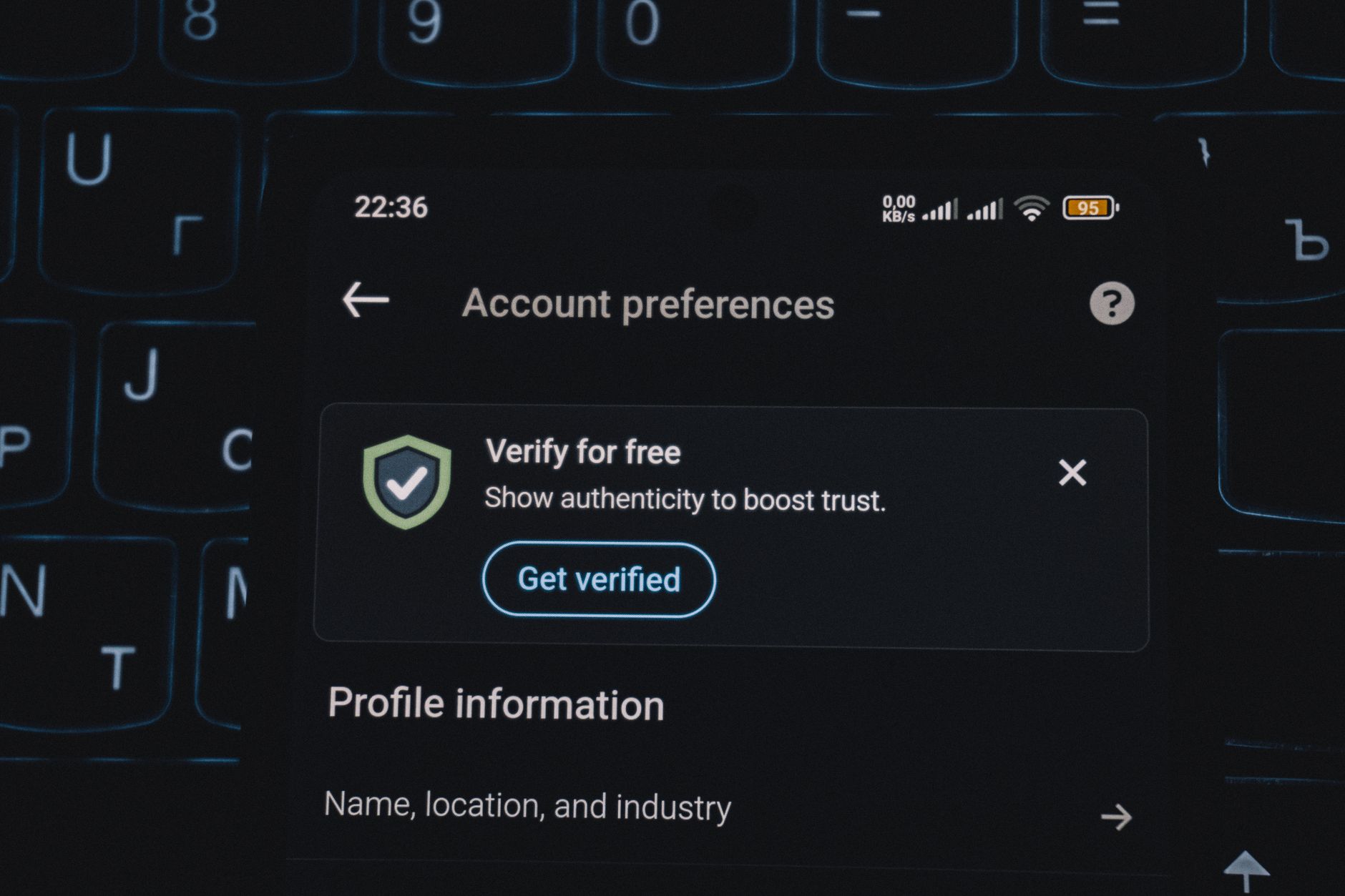
The Ultimate Guide to Getting Your Instagram Account Verified Guaranteed
Published 6/11/2026 · English-only editorial content
Introduction to Instagram Verification Instagram verification is a highly sought after badge of authenticity for individuals and businesses alike. It's a way to prove that your acc...
Introduction to Instagram Verification
Instagram verification is a highly sought-after badge of authenticity for individuals and businesses alike. It's a way to prove that your account is genuine and represents a public figure, celebrity, or global brand. However, the verification process can be mysterious and often seems arbitrary. In this article, we'll delve into the world of Instagram verification, explore the benefits, and provide actionable guidance on how to increase your chances of getting verified.
Benefits of Instagram Verification
Before we dive into the process, let's discuss the benefits of having a verified Instagram account:
- Increased Credibility: A verified badge instantly boosts your credibility and trustworthiness in the eyes of your followers.
- Improved Visibility: Verified accounts are more likely to appear in search results, making it easier for people to find you.
- Reduced Impersonation: Verification helps prevent impersonation and protects your brand's identity.
- Access to Special Features: Verified accounts may have access to special features, such as the ability to add links to their Instagram Stories.
Eligibility Criteria for Verification
To be eligible for verification, your account must meet the following criteria:
- Authenticity: Your account must represent a real person, registered business, or entity.
- Uniqueness: Your account must be the unique presence of the person or business it represents.
- Completeness: Your account must be complete, with a profile picture, bio, and at least one post.
- Notability: Your account must be notable and well-known in your industry or niche.
How to Apply for Verification
To apply for verification, follow these steps:
- Open the Instagram app: Go to your profile and tap the three horizontal lines in the top-right corner.
- Tap Settings: Scroll down and tap 'Settings.'
- Tap Account: Tap 'Account' and then 'Request Verification.'
- Enter Your Information: Fill out the verification form with your full name and a government-issued ID (such as a driver's license or passport).
- Add Additional Information (Optional): You can add additional information, such as a website or other social media profiles, to help with the verification process.
Tips to Increase Your Chances of Verification
While there's no guaranteed way to get verified, here are some tips to increase your chances:
- Build a Strong Online Presence: Establish a strong online presence by creating high-quality content and engaging with your audience.
- Grow Your Following: Increase your following by using relevant hashtags, collaborating with other accounts, and running social media ads.
- Be Consistent: Post content regularly and maintain a consistent aesthetic to build your brand's identity.
- Engage with Your Audience: Respond to comments and messages promptly to show that you're active and care about your followers.
- Use Instagram's Features: Use Instagram's features, such as IGTV, Reels, and Stories, to diversify your content and reach a wider audience.
Common Mistakes to Avoid
Here are some common mistakes to avoid when applying for verification:
- Don't Buy Followers: Buying followers can harm your account's credibility and reduce your chances of verification.
- Don't Use Fake Information: Using fake information or impersonating someone else can result in your account being suspended or terminated.
- Don't Spam: Spamming or using automated bots to engage with your audience can harm your account's reputation and reduce your chances of verification.
What to Do If Your Verification Request Is Denied
If your verification request is denied, don't worry! You can try again after 30 days. Here are some steps to take:
- Review Instagram's Guidelines: Review Instagram's guidelines and make sure your account meets all the eligibility criteria.
- Improve Your Account: Improve your account by increasing your following, engagement, and content quality.
- Try Again: Try again after 30 days, and make sure to fill out the verification form accurately and completely.
Conclusion
Getting verified on Instagram can be a challenging and time-consuming process, but it's worth the effort. By building a strong online presence, growing your following, and engaging with your audience, you can increase your chances of verification. Remember to avoid common mistakes, such as buying followers or using fake information, and don't be discouraged if your verification request is denied. With persistence and dedication, you can get your Instagram account verified and enjoy the benefits that come with it.
Related articles
Navigating X Appeal Support: A Comprehensive Guide to Social Media Assistance
Introduction to X Appeal Support X Appeal Support is a critical component of social media platforms, designed to provide users with assistance and guidance on various aspects of th...
ReadHow to Get Verified on Instagram: A Professional Guide
Introduction to Instagram Verification Instagram verification is a process where the platform confirms the authenticity of a user's account, typically denoted by a blue checkmark n...
ReadHow to Get Unbanned from Twitter Fast: A Comprehensive Guide
Introduction to Twitter Unban Process Twitter, like many other social media platforms, has strict policies to ensure a safe and respectful environment for its users. However, somet...
Read